






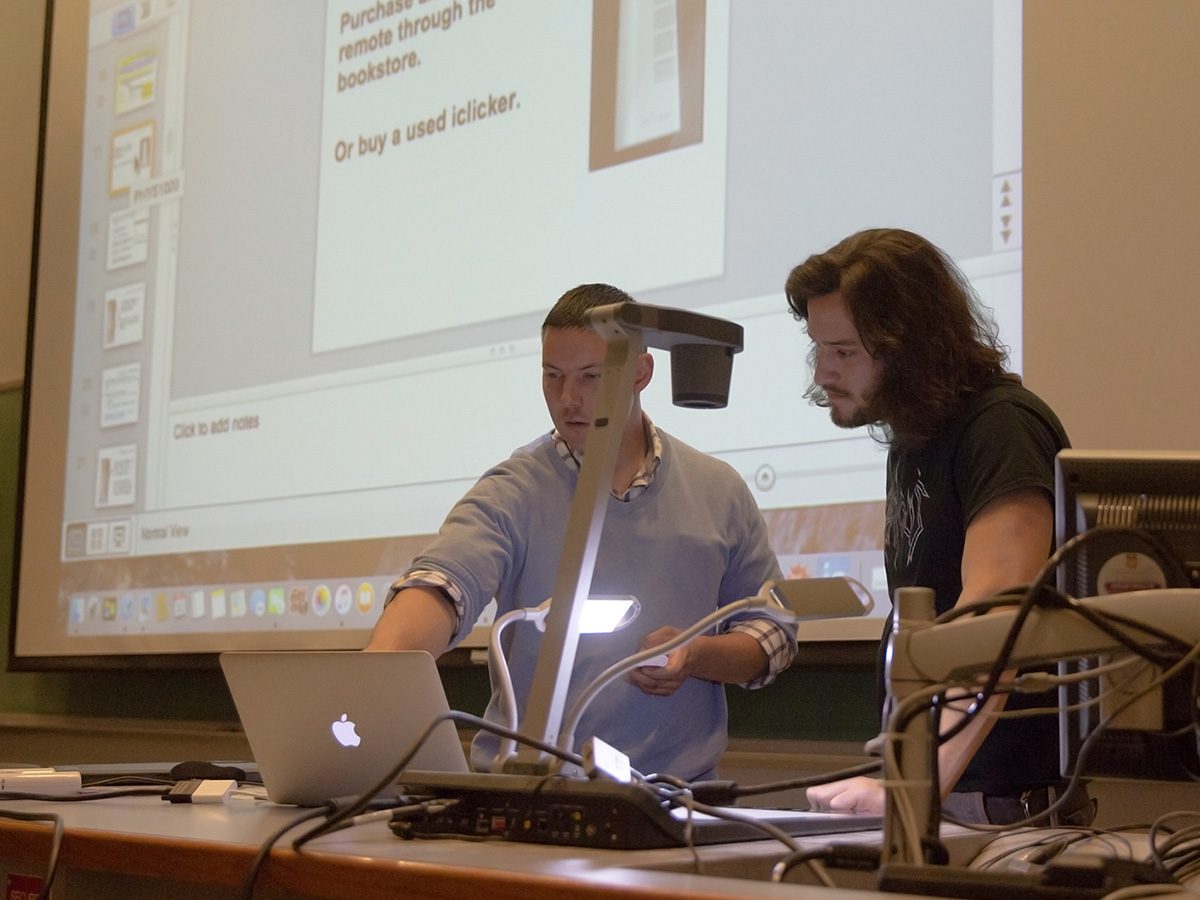
Save some stress and sign up for classroom audiovisual demonstrations
View our fall readiness checklist
Want to start your teaching journey stress-free and feel confident using your electronic classroom? We can help!
Fall readiness checklist:
Guarantee a smooth and efficient start to the new school year.
- Check for your assigned classroom in Aurora or with your departmental contact to confirm your class location.
- Visit your assigned classroom(s) to confirm the configuration
- Attend a demonstration of the installed classroom and portable audiovisual equipment
- Group demonstrations (see the schedule of demonstrations below)
- Schedule a one-on-one demonstration for unique teaching spaces
- Reserve the space through AdAstra then book a demo through the IST Service Desk
- Ensure your technology is functioning properly:
- Make sure you are connected to the UM Wi-Fi network (uofm secure instructions)
- Ensure you are set up for Multifactor Authentication
- Buy your lapel microphone. Contact your business manager to order through EPIC.
- Get the right video adaptor for your laptop. University classrooms have VGA or HDMI connections.
Schedule of demonstrations of classroom and portable AV equipment
IST Audio-Visual is hosting drop-in demonstrations of the university’s installed classroom and portable audiovisual equipment on the following days:
Tuesday August 26
9:30 am to 11:00 am – Isbister 235 (digital control room)
11:30 am to 1:00 pm – Isbister 231 (analog control room)
1:30 pm to 3:00 pm – Tier 302 (bring your own device and portable equipment)
Wednesday August 27
9:30 am to 11:00 am – Isbister 231 ( analog control room)
11:30 am to 1:00 pm – Tier 302 (bring your own device and portable equipment)
1:30 pm to 3:00 pm – Isbister 235 (digital control room)
Thursday August 28
9:30 am to 11:00 am – Tier 302 (bring your own device and portable equipment)
11:30 am to 1:00 pm – Isbister 235 (digital control room)
1:30 pm to 3:00 pm – Isbister 231 (analog control room)
These demonstrations will review:
- The features of the room that are available to instructors.
- Basic troubleshooting procedures.
- How the following room configurations and technologies work:
- Digital control room – Examples: Tier 301, Armes 205, St John’s 172
- Analog control room – Examples: EITC2 320, University College 237, St Paul’s 100
- Bring your own device and portable equipment – Focused connecting laptops, MacBook’s, iPad to the control panel and display and demonstrations of the portable projector and document camera.
What you need to know
- We encourage you to attend these demonstrations of the equipment you will be using in order to be fully prepared as audio visual classroom support is not resourced to start every class (confidence start).
- Blended or hybrid teaching, where a combination of students are both in class and remote, is currently not supported at the University of Manitoba. Should you wish to discuss this topic further please contact Mark Torchia, Vice Provost (Teaching and Learning).
- Audio visual classroom support will respond to any urgent in-class issues that you may encounter. Contact the IST Service Desk at 204-474-8600 and we will strive to respond in person within 10 minutes.
If you have any questions or need assistance being prepared for fall classes, please contact the IST Service Desk at: 2040-474-8600 or check online at https://umanitoba.ca/information-services-technology/#contact-us